01 / Builder
Less guesswork. More direction.
Make state, consequence, and the next action visible.
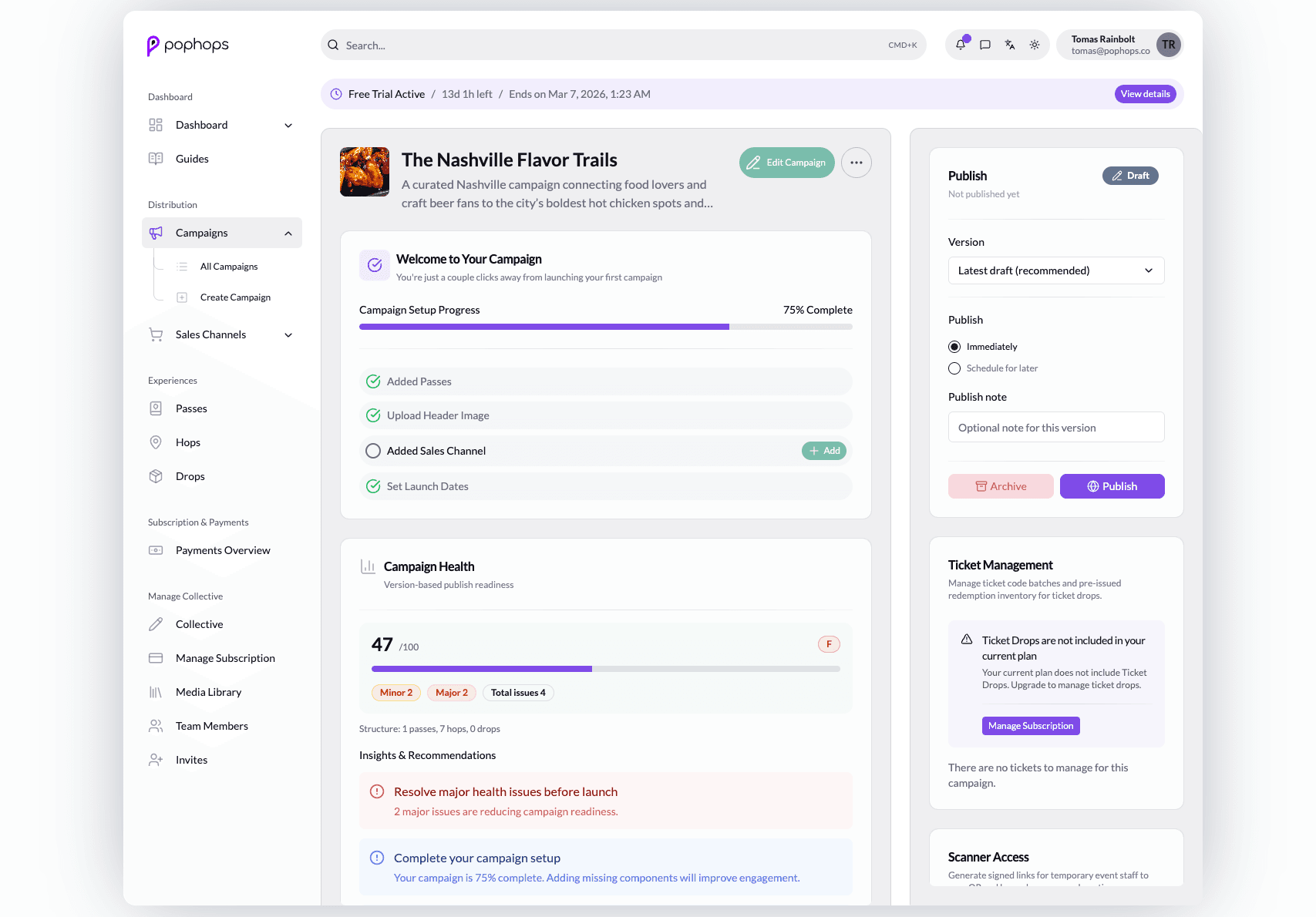
Protect access. Preserve intent.
An operator opening a campaign link should not lose their destination when authentication interrupts the task. The route guard separates loading, redirection, and access into explicit states. It carries an allowed local destination through sign-in and verification.
Keeping the decision outside the rendered route makes the state transitions easier to inspect. The destination allowlist also prevents arbitrary redirect targets. API authorization remains responsible for enforcing access to data.
React + TypeScript: Protected routes with safe return-to handling
Protected routes with safe return-to handling
While authentication is resolving, show a loading state. If sign-in or verification is needed, redirect with the intended destination. Otherwise, render the requested route.
The sample keeps this sequence in one function, so each branch has a clear UI consequence.
Adapted from the builder/admin route guard that protects configuration flows while preserving operator context. This excerpt omits surrounding application code.
type AuthUser = {
  email: string | null;
  emailVerifiedAt: string | null;
};

type AuthState = {
  isAuthenticated: boolean;
  isAuthenticating: boolean;
  user: AuthUser | null;
};

const AUTHENTICATED_PREFIXES = ['/campaigns', '/passes', '/drops', '/settings'] as const;

export const ProtectedRoutes = () => {
  const { isAuthenticated, isAuthenticating, user } = useAuthContext();
  const location = useLocation();
  const state = getProtectedRouteState(
    { isAuthenticated, isAuthenticating, user },
    location.pathname,
    location.search
  );

  if (state.kind === 'loading') {
    return <FullScreenState label={state.label} />;
  }

  if (state.kind === 'redirect') {
    return <Navigate to={state.target} replace />;
  }

  return <Outlet />;
};

function getProtectedRouteState(auth: AuthState, pathname: string, search: string) {
  const returnTo = getSafeReturnTo(`${pathname}${search}`);

  if (auth.isAuthenticating) {
    return { kind: 'loading', label: 'Checking access…' } as const;
  }

  if (!auth.isAuthenticated) {
    return { kind: 'redirect', target: buildLoginTarget(returnTo) } as const;
  }

  if (needsEmailVerification(auth.user, pathname)) {
    return {
      kind: 'redirect',
      target: buildVerifyTarget(auth.user?.email ?? null, returnTo)
    } as const;
  }

  return { kind: 'allow' } as const;
}

function buildLoginTarget(returnTo: string) {
  return {
    pathname: '/login',
    search: returnTo && returnTo !== '/' ? `?returnTo=${encodeReturnTo(returnTo)}` : ''
  };
}

function buildVerifyTarget(email: string | null, returnTo: string) {
  const params = new URLSearchParams();

  if (email) {
    params.set('email', email);
  }

  if (returnTo && returnTo !== '/') {
    params.set('returnTo', encodeReturnTo(returnTo));
  }

  return {
    pathname: '/verify-email',
    search: `?${params.toString()}`
  };
}

function needsEmailVerification(user: AuthUser | null, pathname: string) {
  return Boolean(user && !user.emailVerifiedAt && !pathname.startsWith('/verify-email'));
}

function getSafeReturnTo(candidate: string) {
  const value = candidate || '/';

  if (!value.startsWith('/')) {
    return '/';
  }

  const [pathname, search = ''] = value.split('?');

  if (!AUTHENTICATED_PREFIXES.some((prefix) => pathname === prefix || pathname.startsWith(`${prefix}/`))) {
    return '/';
  }

  return search ? `${pathname}?${search}` : pathname;
}

function encodeReturnTo(value: string) {
  return encodeURIComponent(value);
}

function FullScreenState({ label }: { label: string }) {
  return (
    <div className="flex min-h-screen items-center justify-center px-6">
      <div className="rounded-full border border-slate-200 bg-white px-4 py-2 text-sm font-medium text-slate-600">
        {label}
      </div>
    </div>
  );
}